
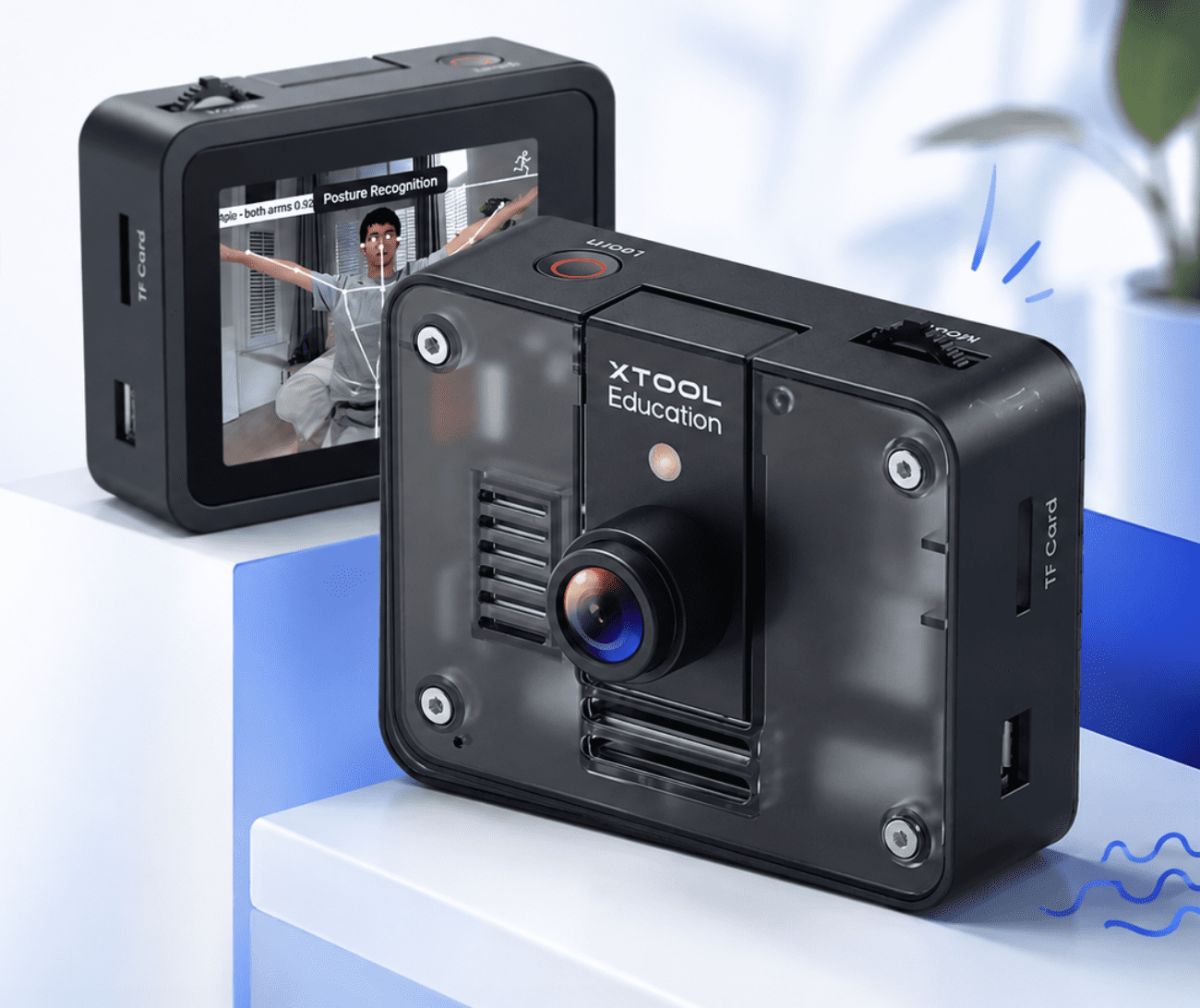
AI vision module for STEM education
AI Camera 2.0, the all-in-one AI vision module for education
From first sight to future skills: see AI, teach AI, build with AI. AI Camera 2.0 brings artificial intelligence, coding and robotics together in the classroom, helping students explore computer vision, object recognition and machine learning through fun, hands-on projects with mBot2 and CyberPi.
9 AI Functions
Block & Python Coding
mBot2 & CyberPi Compatible
Watch AI Camera 2.0 in action
See how AI Camera 2.0 brings vision AI to the classroom
Meet AI Camera 2.0
An AI vision module that brings computer vision into every lesson
AI Camera 2.0 is an all-in-one AI vision module that brings artificial intelligence, coding and robotics together in the classroom. Designed for STEM education, it helps students explore computer vision, object recognition and machine learning through fun, hands-on projects with mBot2 and CyberPi.
Why AI Camera 2.0
Why Choose AI Camera 2.0?
AI Camera 2.0 makes artificial intelligence accessible and engaging for students of all ages, with 9 built-in AI functions ready to explore straight out of the box.

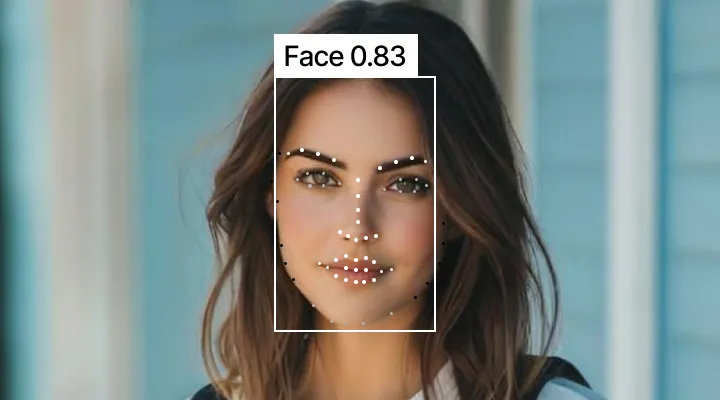
Facial Recognition
Explore concepts of identity, security and emotion AI with real-time face detection.
Color Recognition
Teach sorting, automation and data classification through everyday colours.
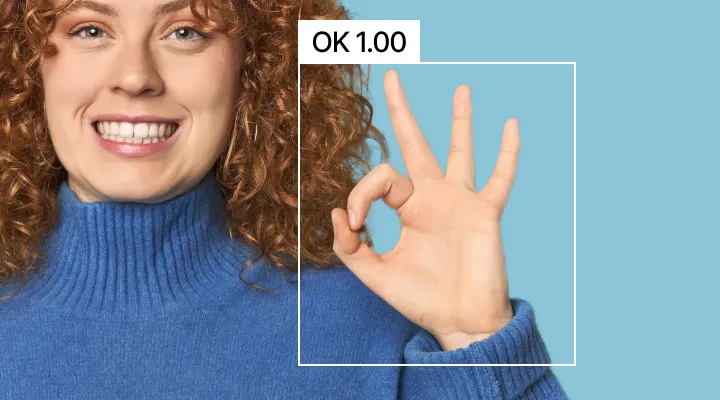
Gesture Recognition
Uncover the fundamentals of human-computer interaction with hand gestures.
Tag Recognition
Introduce advanced navigation and inventory management concepts.
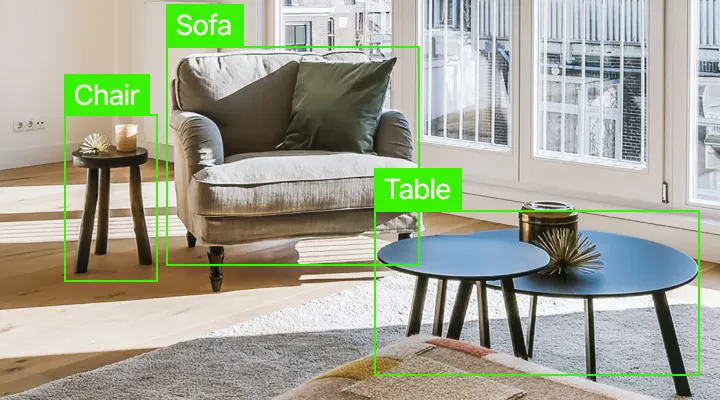
Object Recognition
Demonstrate how machines identify and categorise the world around them.
Path Recognition
Build a foundation for understanding autonomous vehicles and line-following.
Pose Recognition
Explore biometrics and interactive motion-based systems.
Text Recognition (OCR)
Turn printed words and labels into data the robot can read and act on.
Voice Recognition
Introduce speech-based commands and audio-driven interaction.
Turn abstract concepts into tangible creations
Spark genuine curiosity with hands-on AI projects
Compatible with the mBot2 ecosystem, with hands-on model training and true plug-and-play setup.
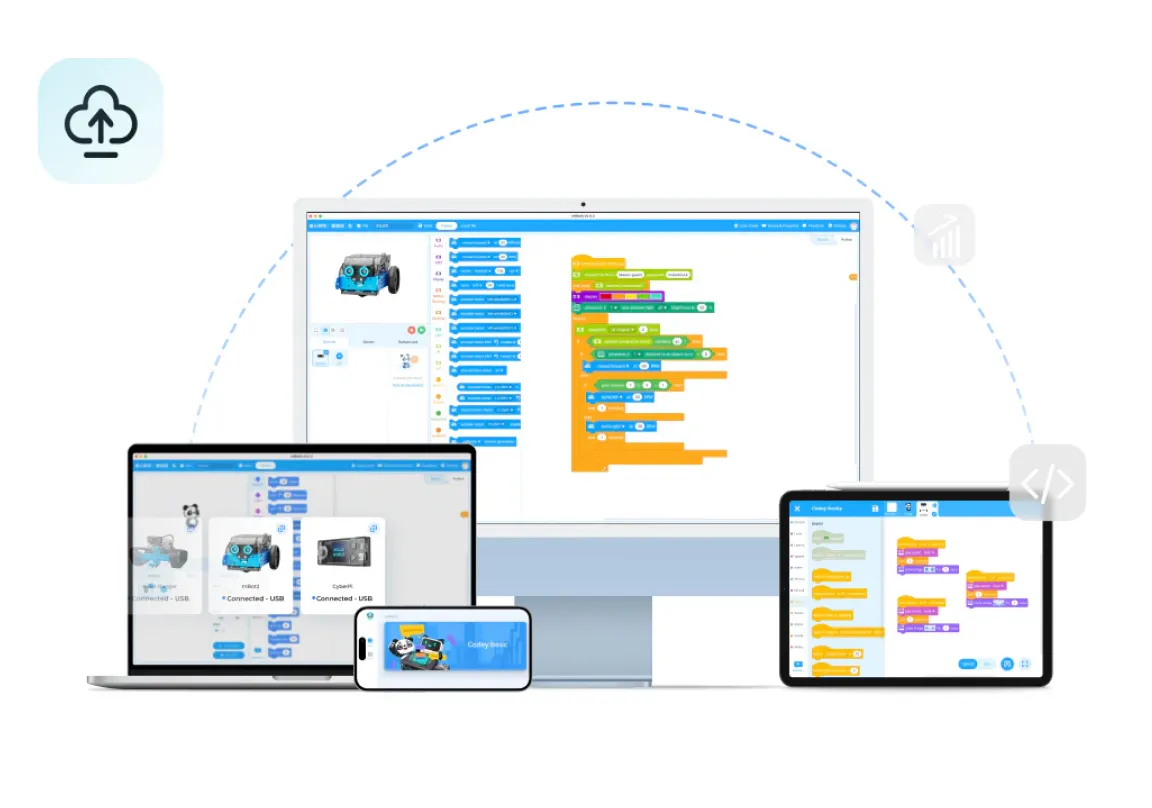
A camera with real coding depth
Behind the compact module is a genuine coding experience — 9 pre-trained AI models let 80% of classroom demonstrations start with a single click, while the mBlock platform grows with students from drag-and-drop blocks all the way to Python.
9built-in AI functions
2coding languages
mBot2 & CyberPicompatible
Plug-and-playsetup
Highlights
Built for hands-on AI & STEM learning
9
Built-in AI functions
2
Block & Python programming
mBot2
& CyberPi ecosystem
80%
Demos start with one click
ML
Full model training cycle
Two ways to explore AI
Let's compare!
AI Camera 2.0 grows with your learner — from a first pre-trained demo to training a real machine learning model.
Beginner-friendly
9 Pre-Trained AI Models
Students click straight into face, colour, gesture, tag, object, path, pose, text and voice recognition — no setup required.
Book a Demo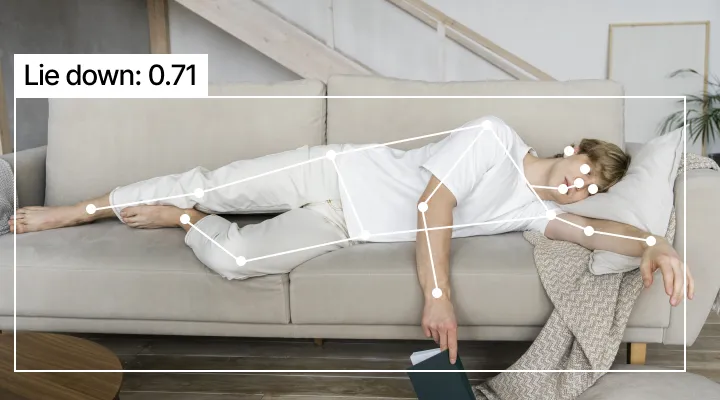
Next step up
Train Your Own AI
Go beyond demos: students collect data, train new models and deploy their own AI creations, going from users to true innovators.
Book a DemoGet started fast
Start Your First AI Lesson in Under a Minute
Empower students and teachers alike, regardless of technical skill. AI Camera 2.0 comes with 9 pre-trained models, including face, object and colour recognition, eliminating complex setup and allowing 80% of classroom demonstrations to start with a simple click.
Book a DemoFacial Recognition Color Recognition
 Gesture Recognition
 Tag Recognition
 Object Recognition
 Path RecognitionPosture Recognition
 Text Recognition (OCR)Facial RecognitionColor RecognitionGesture RecognitionTag RecognitionObject RecognitionPath RecognitionPosture RecognitionText Recognition (OCR)
Beyond the demo
Go Beyond Demos. Empower Students to Train Their Own AI
Not just a tool, but a full machine learning cycle. Students collect data, train new models and deploy their own AI creations, going from users to true innovators.
Software
mBlock Coding Platform
Guide your kid from block-based coding to Python programming with an intuitive, user-friendly platform that bridges AI Camera 2.0 with a digital coding experience.
Key Features
Everything AI Camera 2.0 brings to the classroom.
- AI-powered object and image recognition
- Colour, line and face detection
- Machine learning capabilities
- Easy integration with CyberPi and mBot2
- Compatible with the mBuild ecosystem
- Perfect for coding, robotics and STEM education
- Classroom-ready with engaging real-world applications
mBlock Coding Platform
Free coding software bridging the physical AI Camera 2.0 with a digital coding experience, on every device kids already use.
In the classroom
Classroom Applications
Students can use AI Camera 2.0 to create robots that recognise colours, follow lines, detect objects, identify faces and respond to visual information — building practical coding and engineering skills while learning how AI shows up in everyday technology.