
Coding & robotics kit
mBot2 Ultimate
10-in-1 robot building kit for robotics, engineering & programming learning.
Robot Building Kit for DIY Robotics and Coding Projects
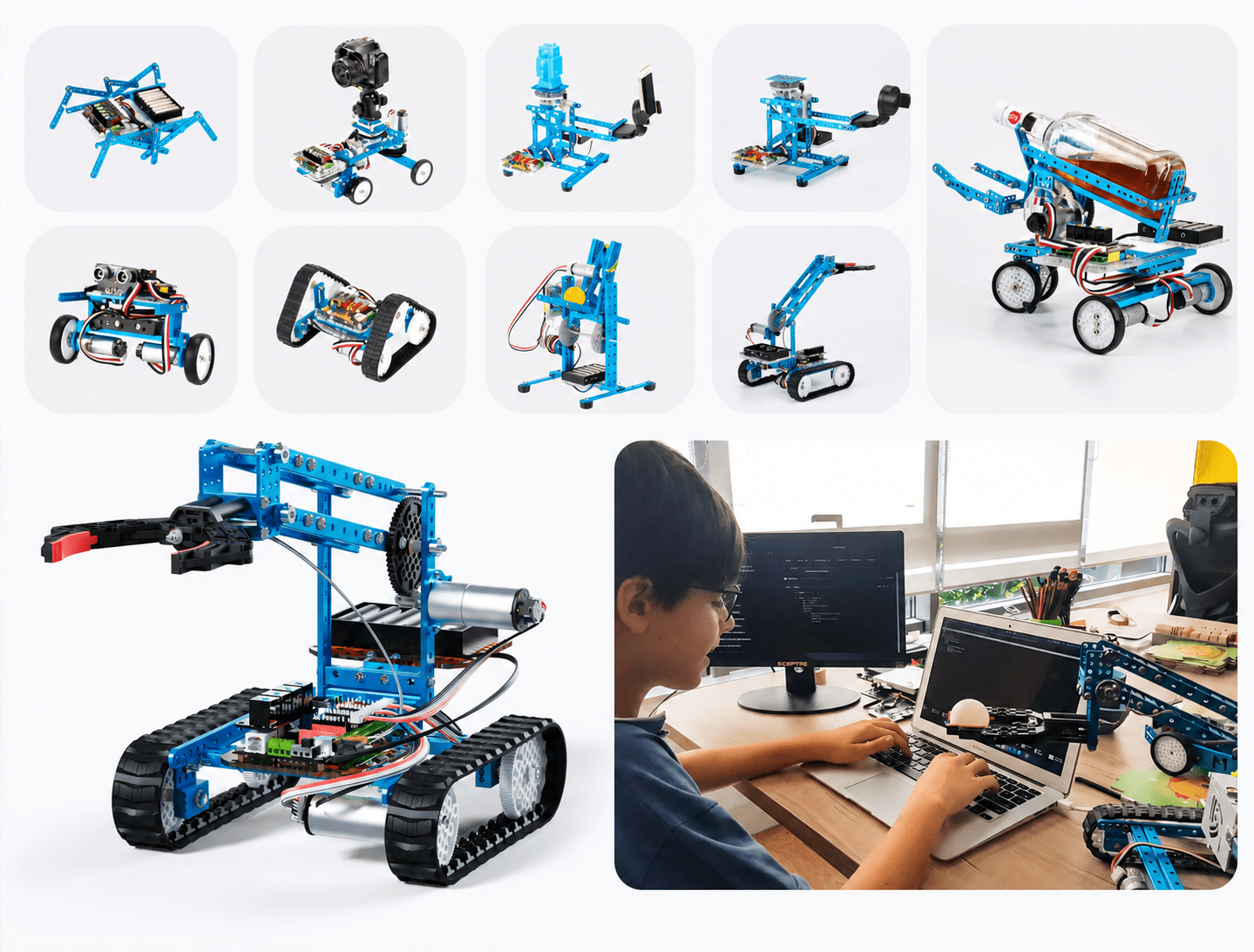
mBot Ultimate 2.0 is a 10-in-1 robot building kit designed for kids and classrooms who are ready to move beyond a single build. With 10 different ways to build mBot Ultimate 2.0, kids go from a first-time build to advanced robotics projects using the same kit. It's designed to grow alongside their skills, from block-based basics to Arduino-level engineering, so the same box keeps teaching long after the first robot rolls off the workbench.
Because mBot Ultimate 2.0 pairs a physical building kit with the mBlock coding platform, it works equally well as an after-school STEM project, a robotics club centerpiece, or a gift a child will genuinely keep coming back to. For the full technical specification sheet, see Makeblock's official mBot Ultimate 2.0 product page.
Explore mBot Ultimate 2.0 →Why kids love it
Build, code, and play without limits
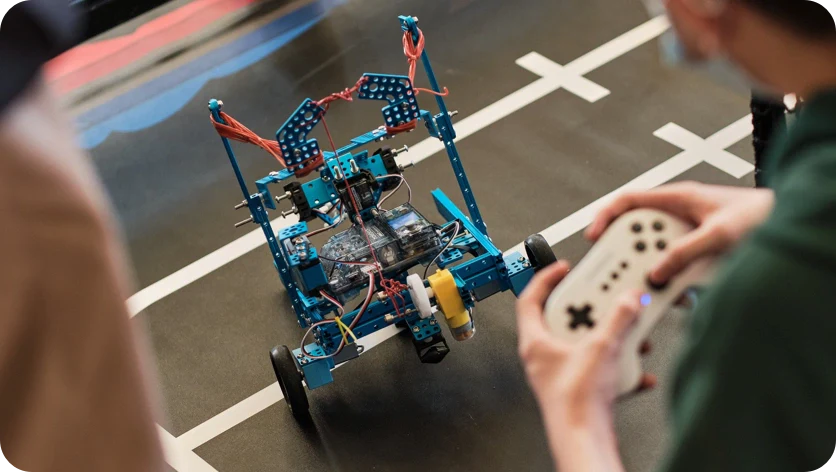
Every mBot Ultimate 2.0 kit gives kids ten builds, 160+ parts, and app-enabled play — no prior experience required. Whether they build a rover, a robotic arm, or an all-terrain crawler, mBot Ultimate 2.0 keeps the same core electronics moving between projects.
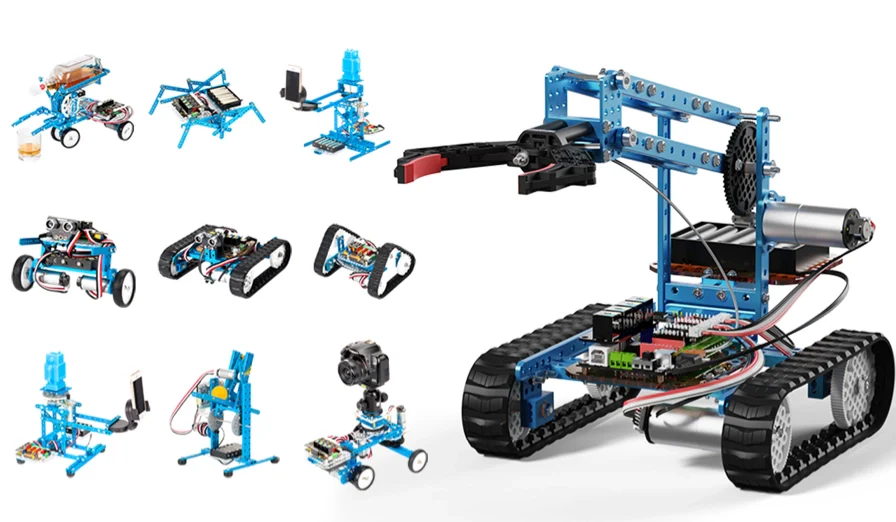
10-in-1 Robot Building Kit
With 10 various ways to install mBot Ultimate, building the robot from the ground up is simple and exciting.

Grow Child's Interest in Robotics
The mBot Ultimate can easily achieve grabbing, climbing, detecting, etc., which can be applied in various robotics activities and drive interest in learning while playing.
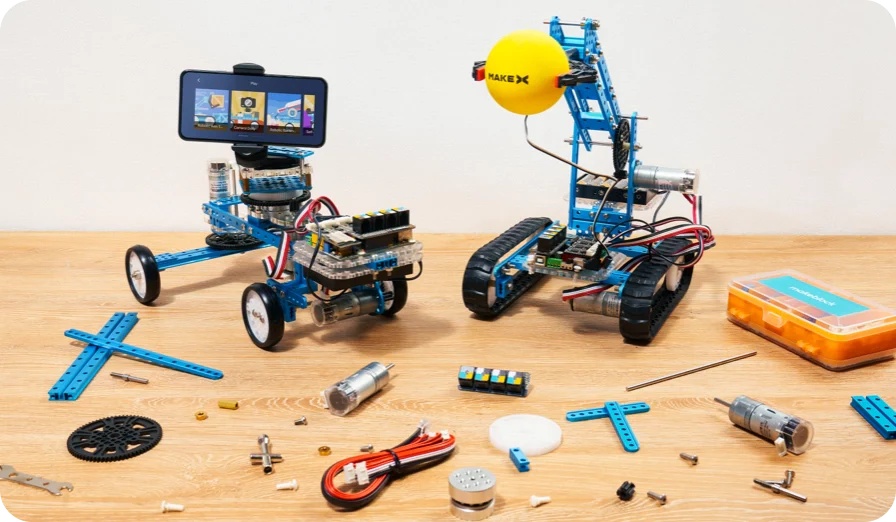
Learn Robotics, Electronics & Programming
With 160+ electronic and mechanical parts, mBot Ultimate allows students to turn anything they dream of into reality.
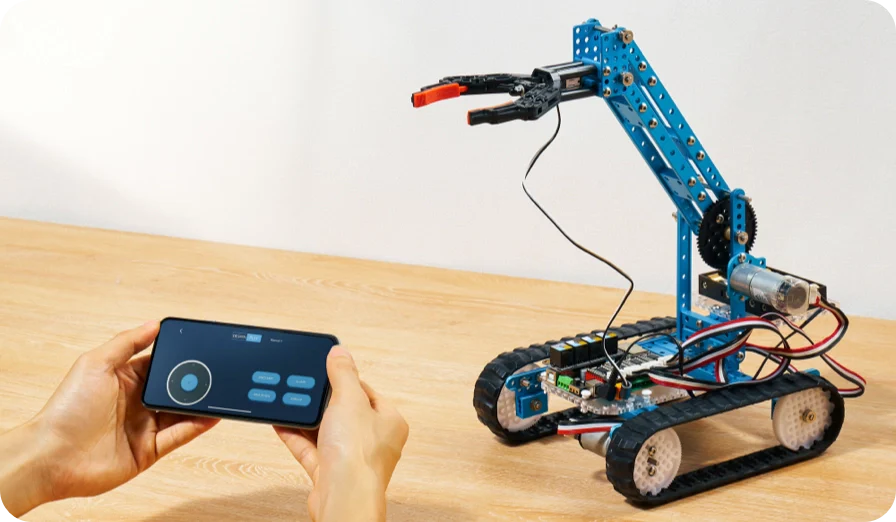
10 App-enabled Modes to Play
mBot Ultimate features 10 app remote control modes including driving cars, picking up objects and shooting balls, and even playing games.
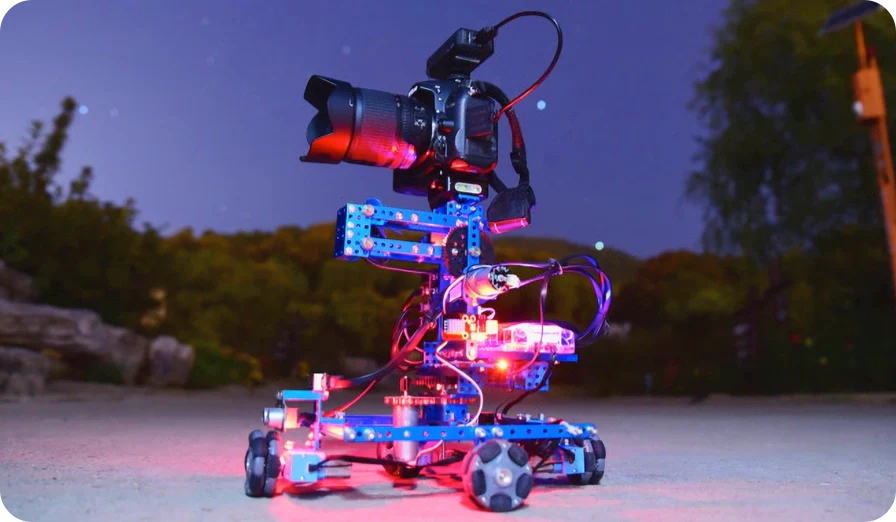
Compatible with Arduino Sensors
Students and professionals can unleash creativity with this versatile robot-building kit. It can connect with Arduino sensors to create more projects.
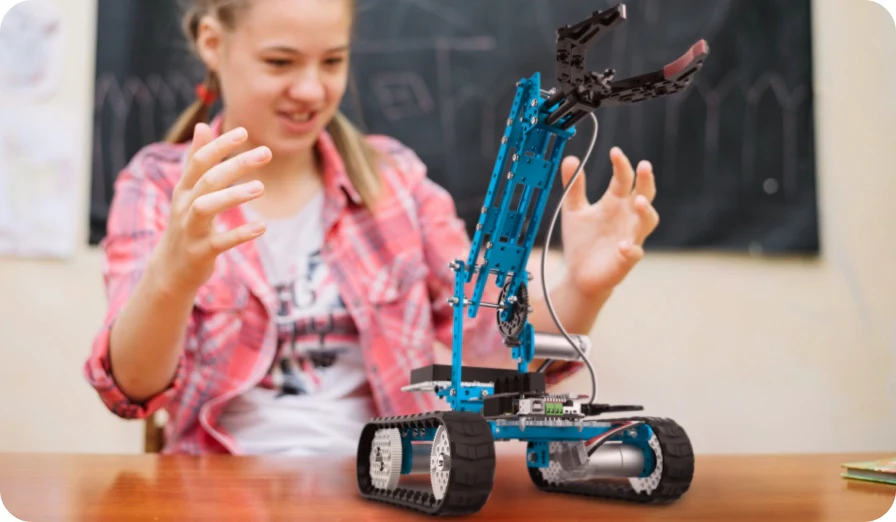
Prepare In-demand Skills for the Future
Learning robotics and programming with mBot Ultimate is an engaging and fun way to develop 21st-century skills like collaboration, creativity, and problem-solving.
Programming software
mBlock — The Best Programming Software
20 million+ teachers and children all over the world are using mBlock as their best programming app.

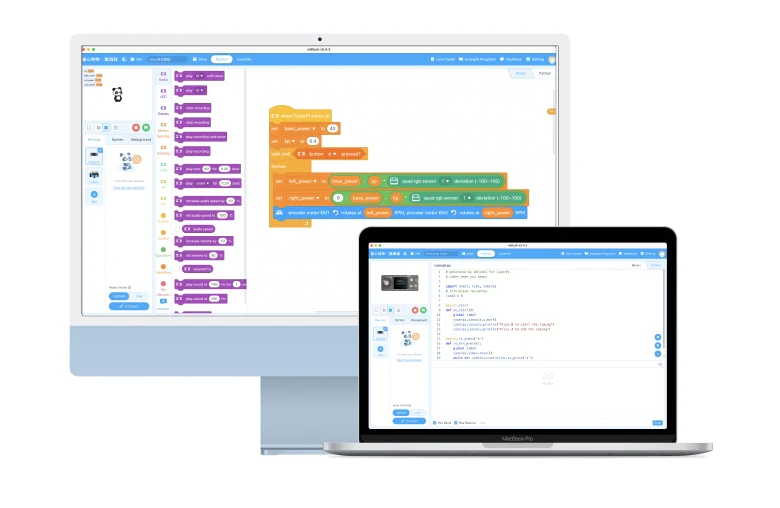
mBlock is a free and open-source software supporting block-based coding and Python programming.
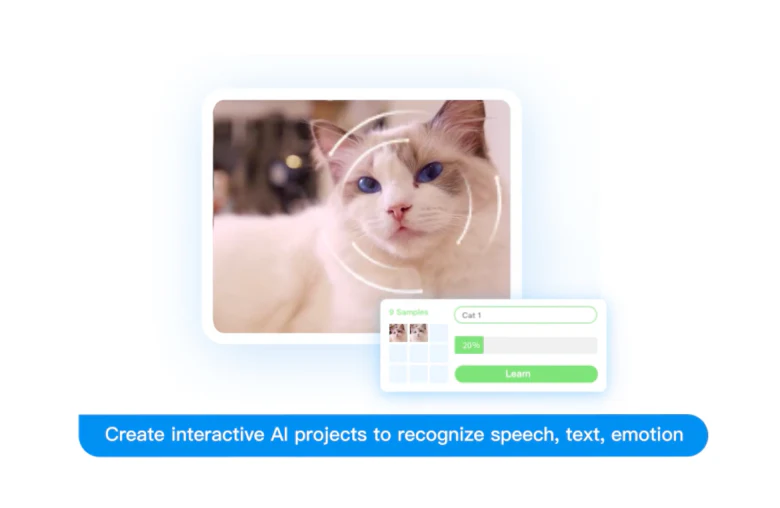
mBlock has strong capabilities such as Artificial Intelligence and the Internet of Things supporting various coding projects.
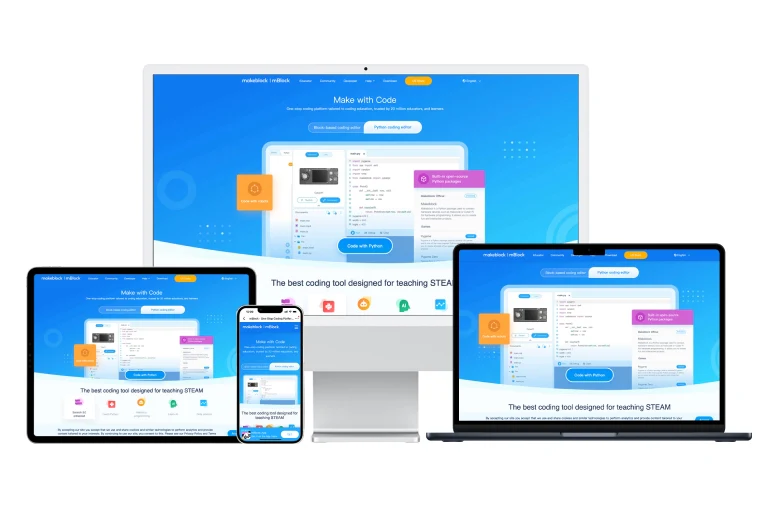
mBlock is available for multiple devices and systems.

10-in-1 educational robot
mBot2 Ultimate
Feature
- 10 different build configurations from one kit
- 160+ electronic & mechanical parts
- 10 app-enabled remote control modes
- Compatible with Arduino sensors
- Programmed with mBlock: block-based coding, Python, AI & IoT
From our customers
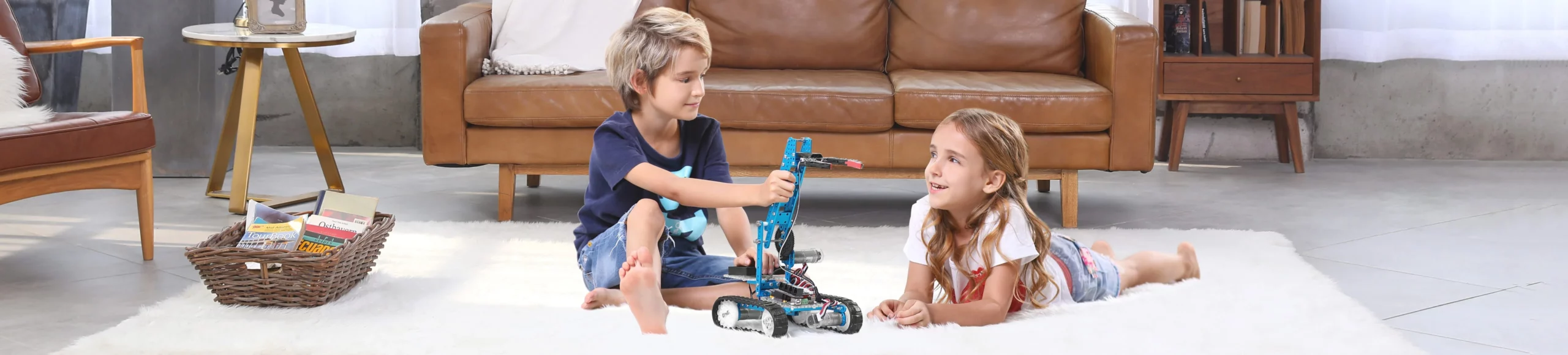
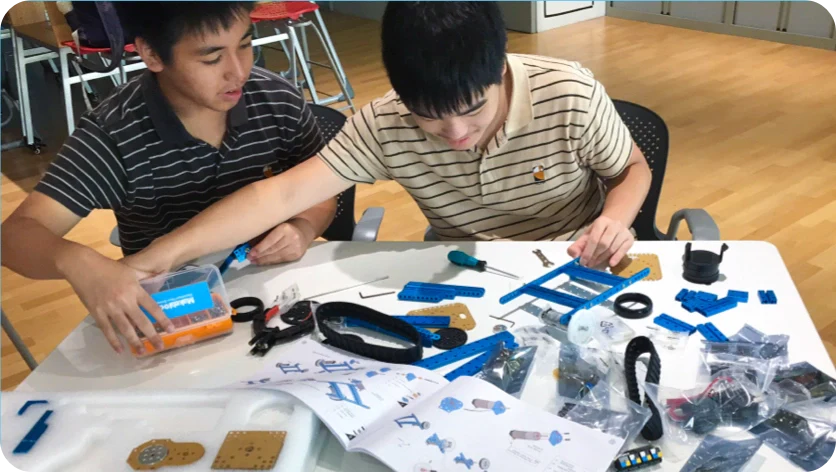
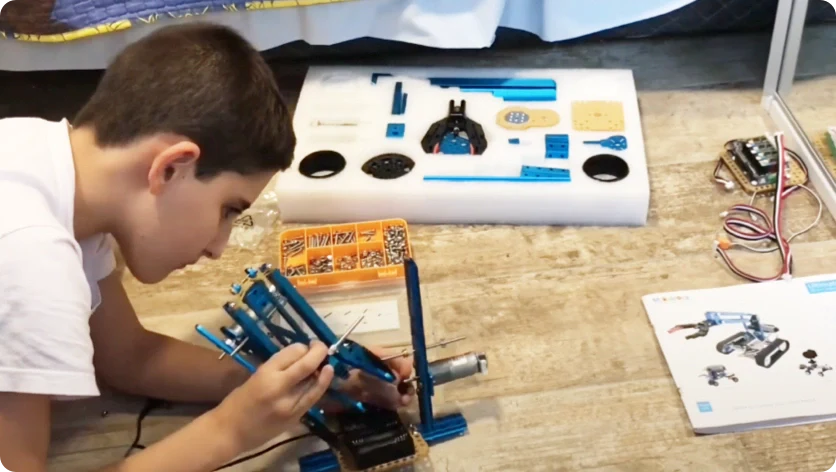
The Best Robot Gift for Kids
We value customers' voices because they help us grow.


Common questions
mBot2 Ultimate FAQs
Does the mBot Ultimate 2.0 require coding experience?
No. Kids start with drag-and-drop block coding in mBlock, then progress to Python and Arduino-level programming as their skills develop — so mBot Ultimate 2.0 is just as suitable for a complete beginner as it is for a student heading into a robotics competition.
How many ways can the mBot Ultimate 2.0 kit be built?
The mBot Ultimate 2.0 kit can be assembled 10 different ways using its 160+ electronic and mechanical parts — from a robot arm to a driving rover — and every configuration reuses the same core motors, sensors and controller board.
What software does mBot Ultimate 2.0 use?
mBot Ultimate 2.0 is programmed through mBlock, a free coding platform available on Windows, Mac, Chromebook, Linux, iOS and Android, so students can pick up a project at school and continue it at home on a different device.
Who is mBot Ultimate 2.0 best suited for?
mBot Ultimate 2.0 fits STEM classrooms, robotics clubs, and older kids or teens who have outgrown a simpler starter kit and want a build that supports Arduino sensors and more advanced programming.