
AII3DPBest FDM 3D Printer
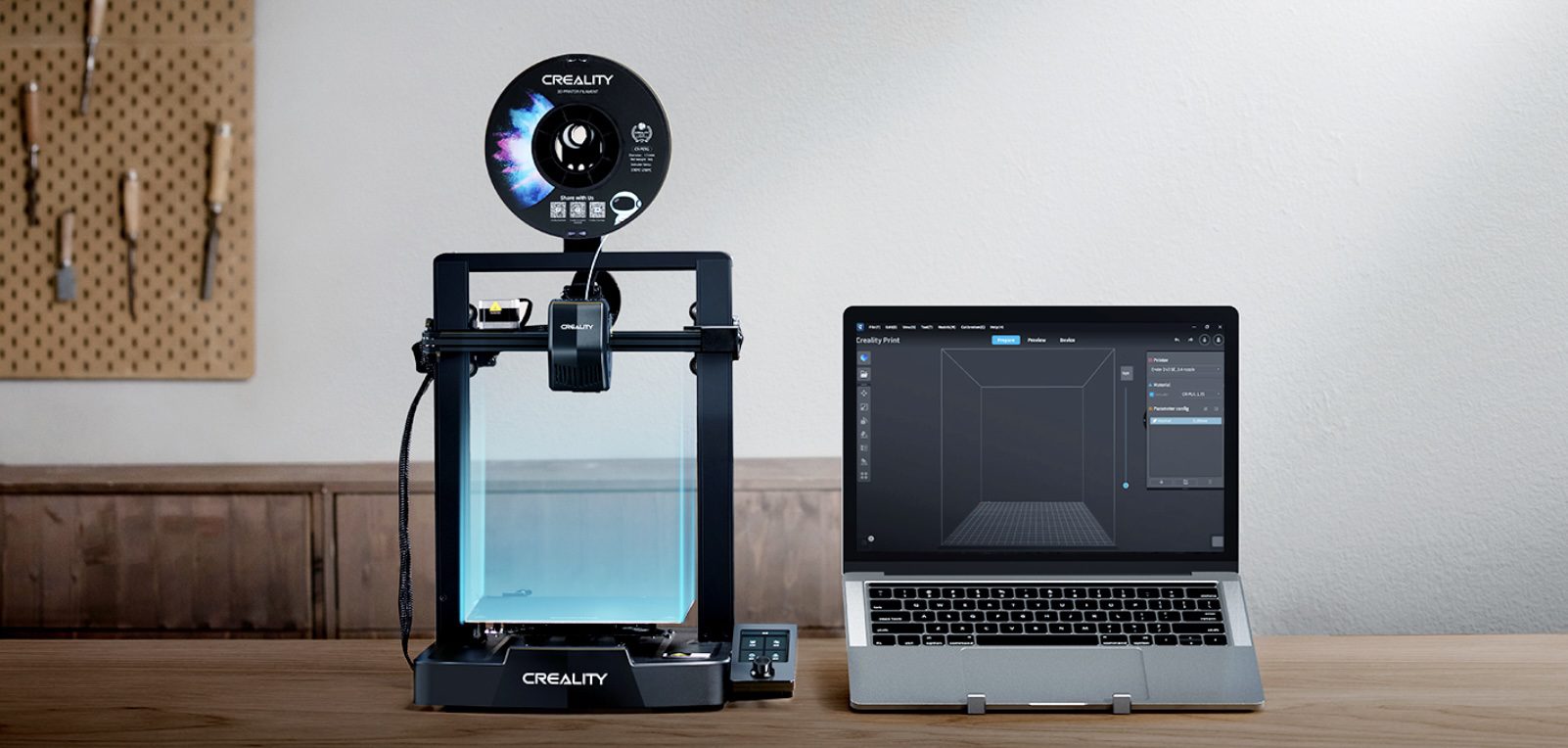
3D printing, so easy
Meet the Ender-3 V3 SE, the 3D printer that gets out of your way
Auto leveling, a reliable direct extruder and a simple color-knob interface mean less fiddling and more printing — from a first school project to a weekend workshop build.
CR Touch Auto Leveling
250mm/s Max Speed
±0.1mm Accuracy
Printing in ~20 Min
Watch new ideas take shape
Meet the Ender-3 V3 SE
The Ender-3 V3 SE 3D Printer: built for real classroom and workshop use
The Ender-3 V3 SE 3D printer takes the guesswork out of 3D printing. Auto leveling and auto Z-offset mean no turning screws or pulling paper, the "Sprite" direct extruder handles PLA, PETG and flexible TPU with ease, and the 3.2" color knob screen shows exactly what the printer is doing at a glance. It's proven technology too — the same extruder platform has shipped in over 500,000 units worldwide. The Ender-3 V3 SE 3D printer is designed and manufactured by Creality.



Why choose it
Why Choose the Ender-3 V3 SE?
Six qualities that make it the easiest way to bring 3D printing into the classroom or workshop.
Worry-Free Auto Leveling
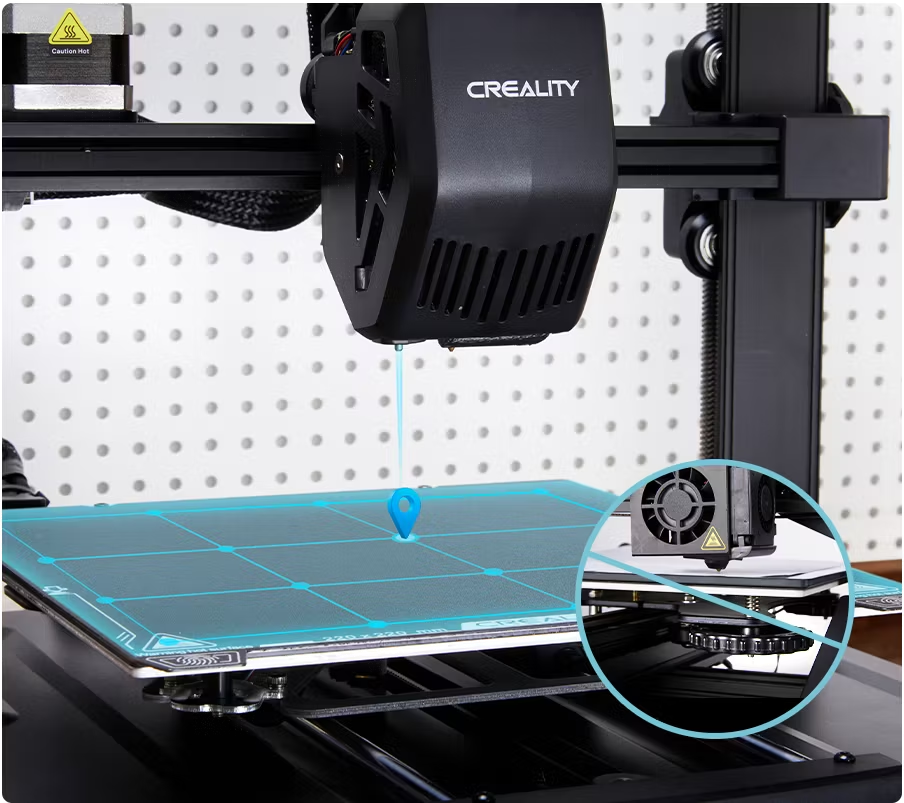
A CR Touch sensor and strain sensor handle leveling and Z-offset automatically — no screws, no paper.
"Sprite" Direct Extruder
A market-proven extruder that handles PLA, PETG and flexible TPU with ease — over 500,000 units shipped.
Print Faster, Without the Wait
Up to 250mm/s max printing speed and 2500mm/s² acceleration cut real print time without losing quality.
Sleek, Compact Footprint
A 19.4% build-volume-to-printer-size ratio means a big build area without hogging desk space.
Printing In About 20 Minutes
Assembly, auto leveling and filament loading together take roughly 20 minutes from box to first print.
Full-Color Knob Display
A 3.2" color screen with motion graphics shows leveling progress and print status at a single glance.
Under the hood
What's inside the Ender-3 V3 SE
A genuine engineering platform, built to be reliable, upgradable and easy to understand.
Printing Technology
Fused deposition modeling (FDM) with a rigid dual Z-axis for stable, wobble-free layers.
Build Volume
220 × 220 × 250mm, enough for most classroom projects, props and functional parts.
Extruder
"Sprite" direct extruder with a 0.4mm nozzle, compatible with PLA, PETG and TPU (95A).
Leveling
CR Touch auto leveling plus an auto Z-offset strain sensor for consistent first layers.
Controls
32-bit silent mainboard, 3.2" color knob screen, SD card file transfer, power loss recovery.
Compatibility
Slices from Creality Print, Cura or Simplify3D on Windows, Mac OS or Linux.
Auto leveling, zero guesswork
Relax, let auto leveling do it
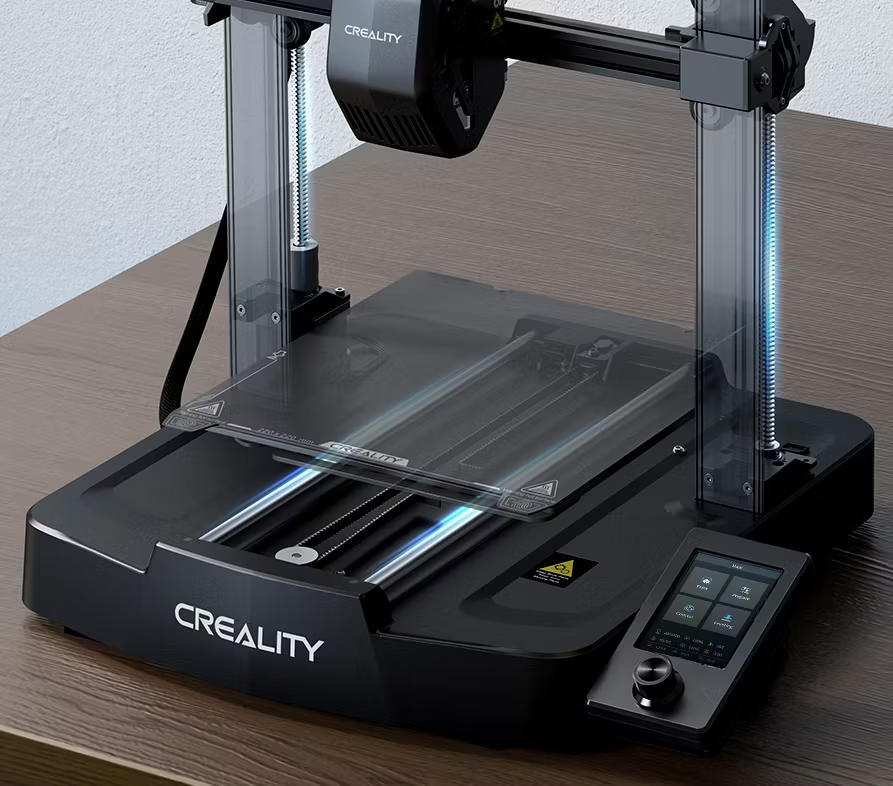
Leveling is the basis of print quality. The Ender-3 V3 SE features a CR Touch sensor for auto leveling and a strain sensor for auto Z-offset — no need to turn screws or pull a piece of paper. Just lie back and enjoy the print success.
CR Touchauto leveling
AutoZ-offset
One-tapstart
Interface
The user interface comes to life
The UI adopts motion graphics to display the leveling process and other parameters, so you can tell how the printer is doing at a single glance — no digging through menus mid-print.

Filament handling
Auto filament loading and unloading
Tap "Extrude", and the filament flows out of the nozzle smoothly. Tap "Retract", and it exits quickly. Swapping colours or materials between classes takes seconds, not minutes.
Setup
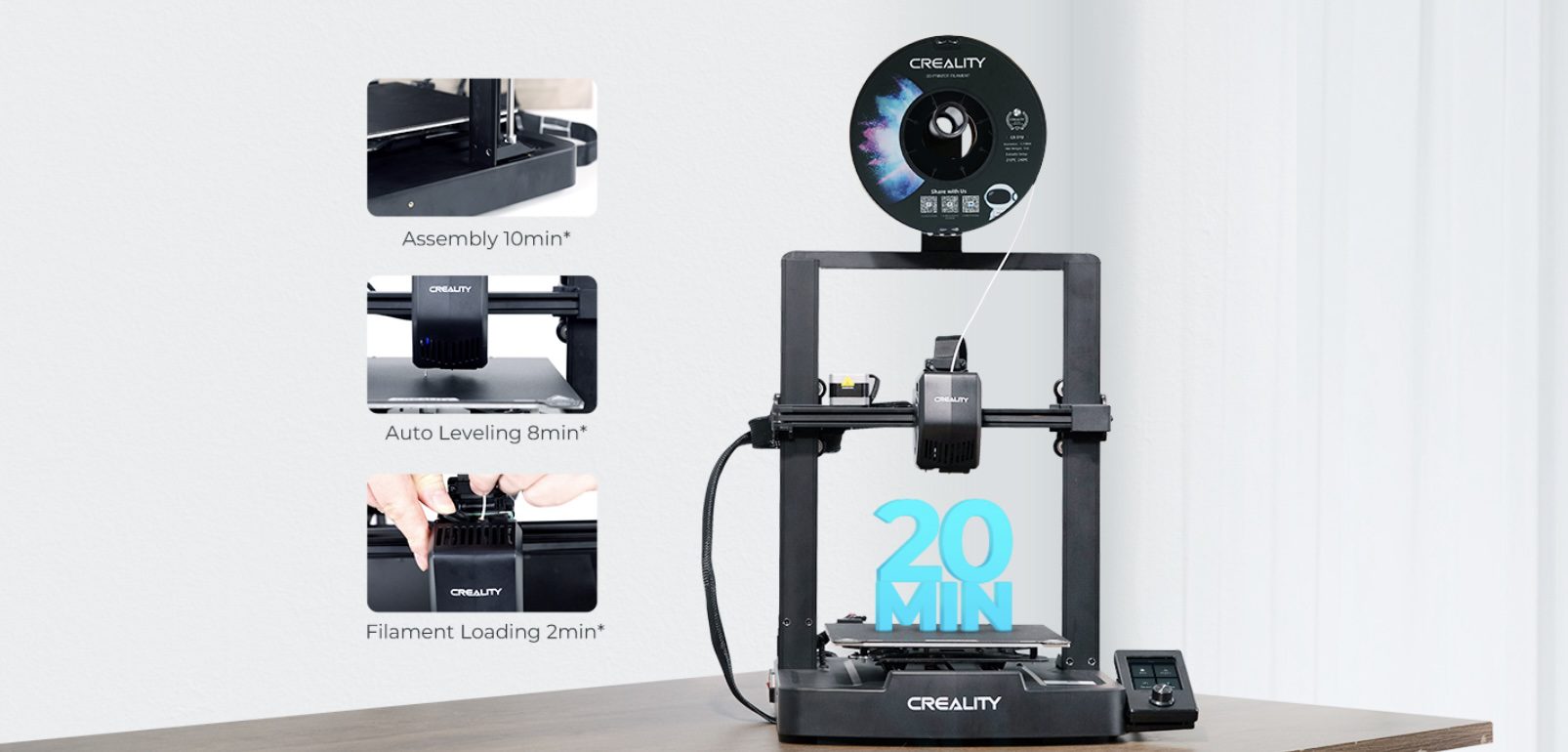
Get printing started within 20 minutes
From unboxing to first print, most of the setup runs itself.
1
Assembly — 10 min*
A handful of screws and cable connections is all it takes.
2
Auto Leveling — 8 min*
CR Touch handles the bed leveling automatically.
3
Filament Loading — 2 min*
Tap "Extrude" and you're ready to send your first print.
*Data from Creality Lab.

An awesome 3D print will make your day
Extrusion system
Direct extrusion, highly capable
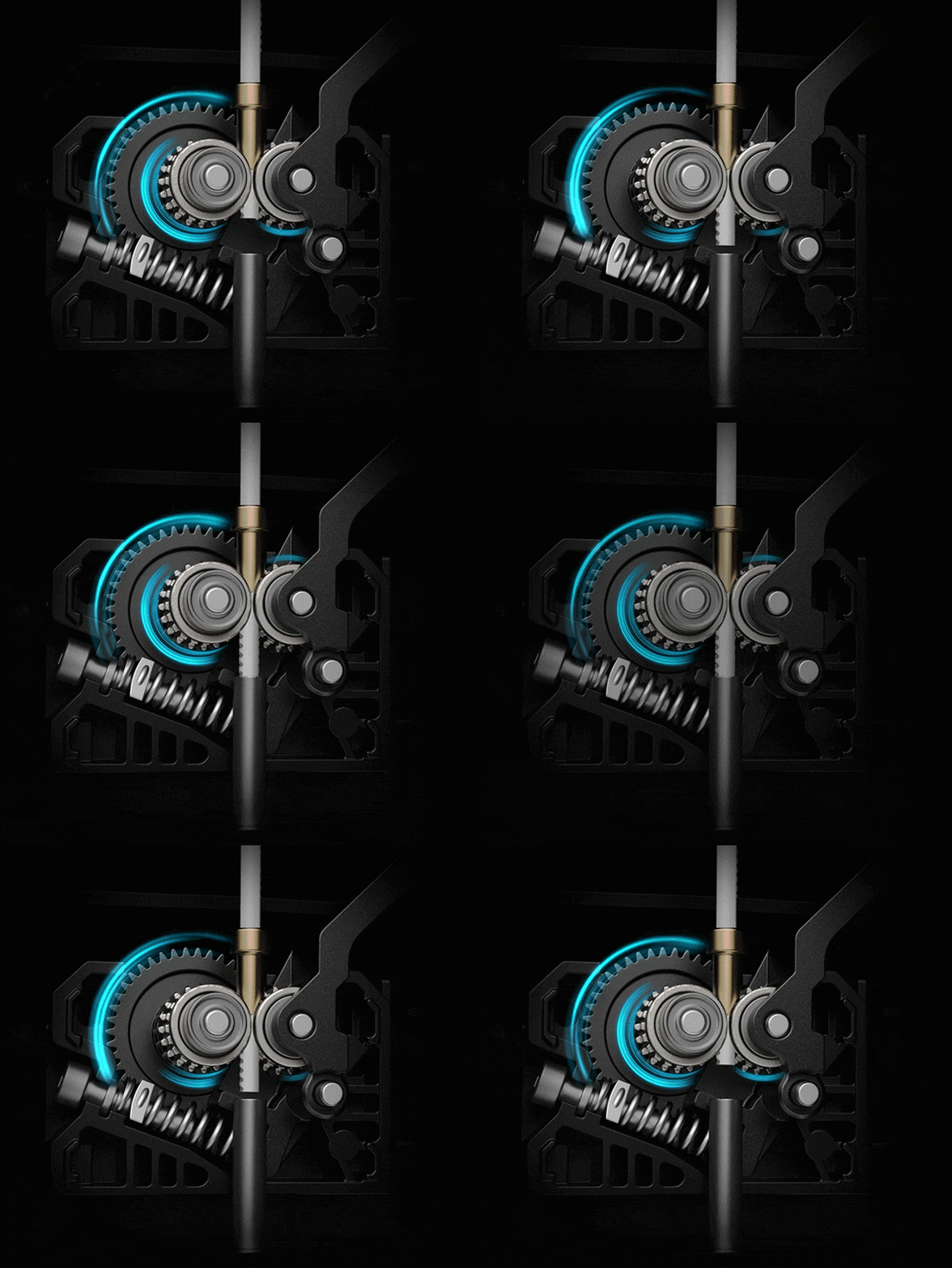
The "Sprite" extruder of the Ender-3 V3 SE works well with PLA, PETG and flexible TPU, unlocking real creative potential. It's market-proven for its reliability too, with over 500,000 units shipped worldwide.
*Shipment data as of June 2023.
Frame & motion
Stable enough for your best ideas
The rigid dual Z-axis reduces Z-wobbling. The Y-axis uses a pair of 8mm thick linear shafts made of strong, wear-proof steel, able to carry the build platform steadily for a lasting time. Together, they take good care of every print.
Speed
Print faster with laudable quality
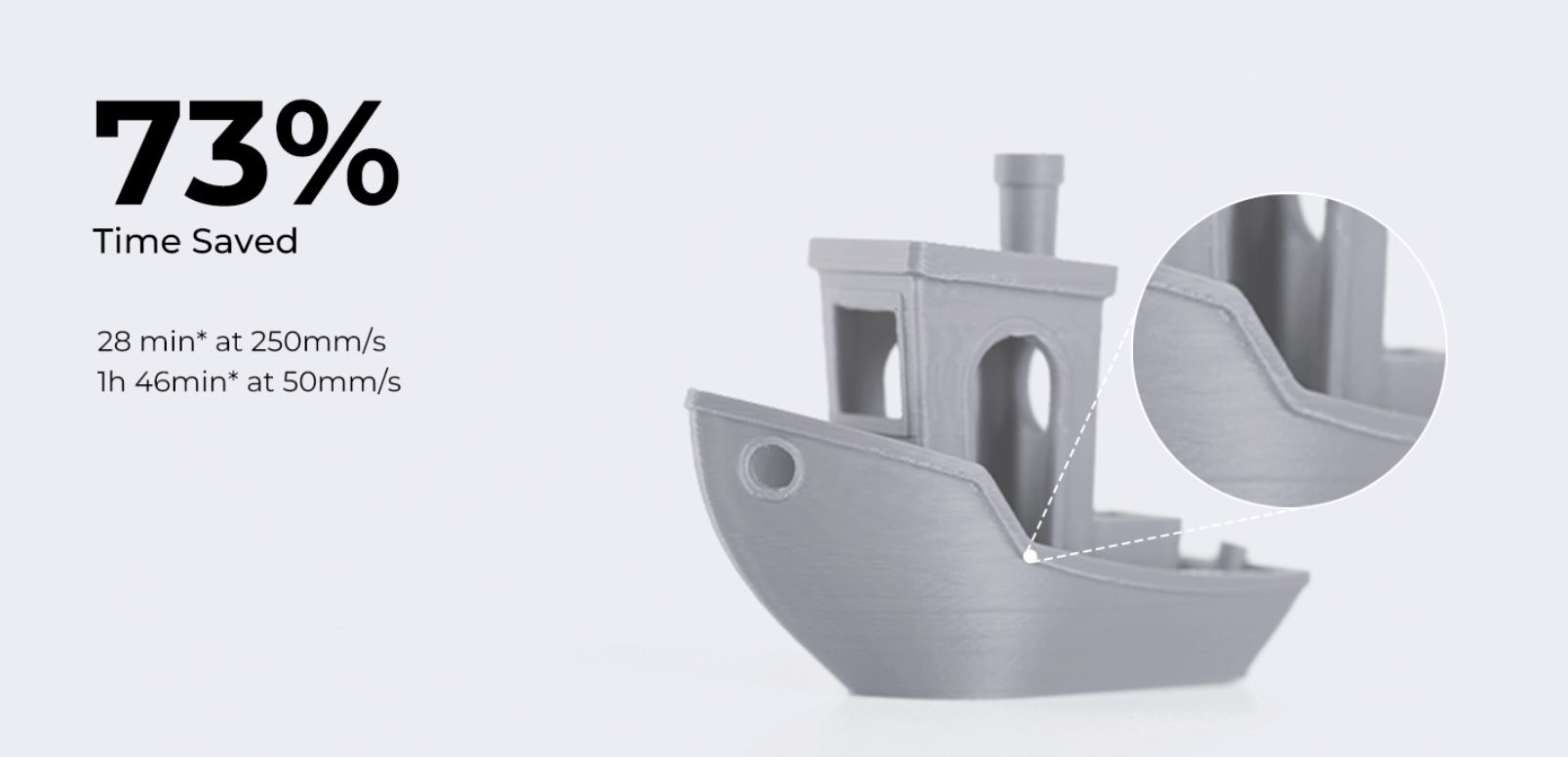
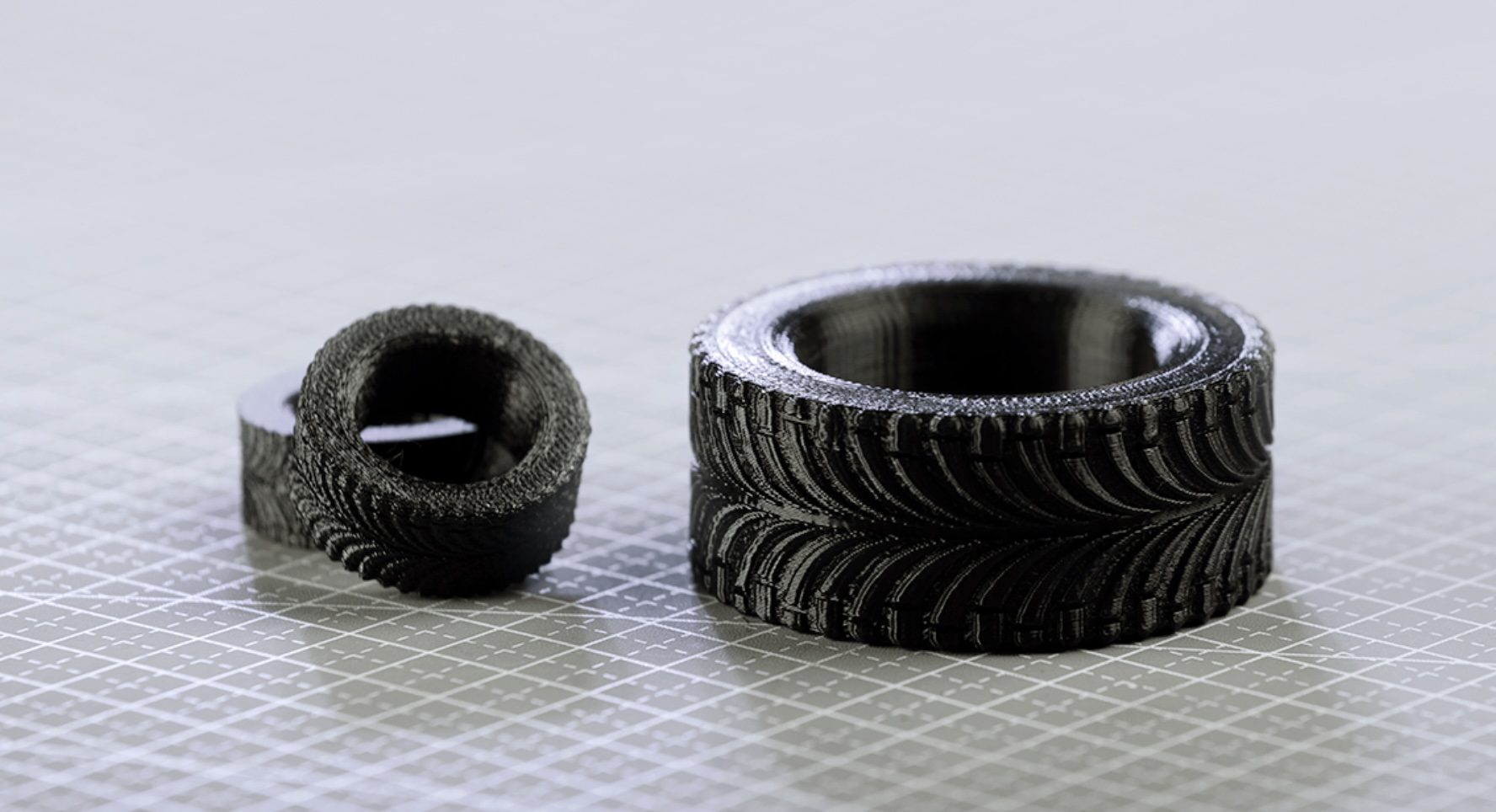
Max printing speed 250mm/s*; max acceleration 2500mm/s²*.
73%
Time saved
28 min* at 250mm/s
1h 46min* at 50mm/s
1h 46min* at 50mm/s
*Data from Creality Lab.
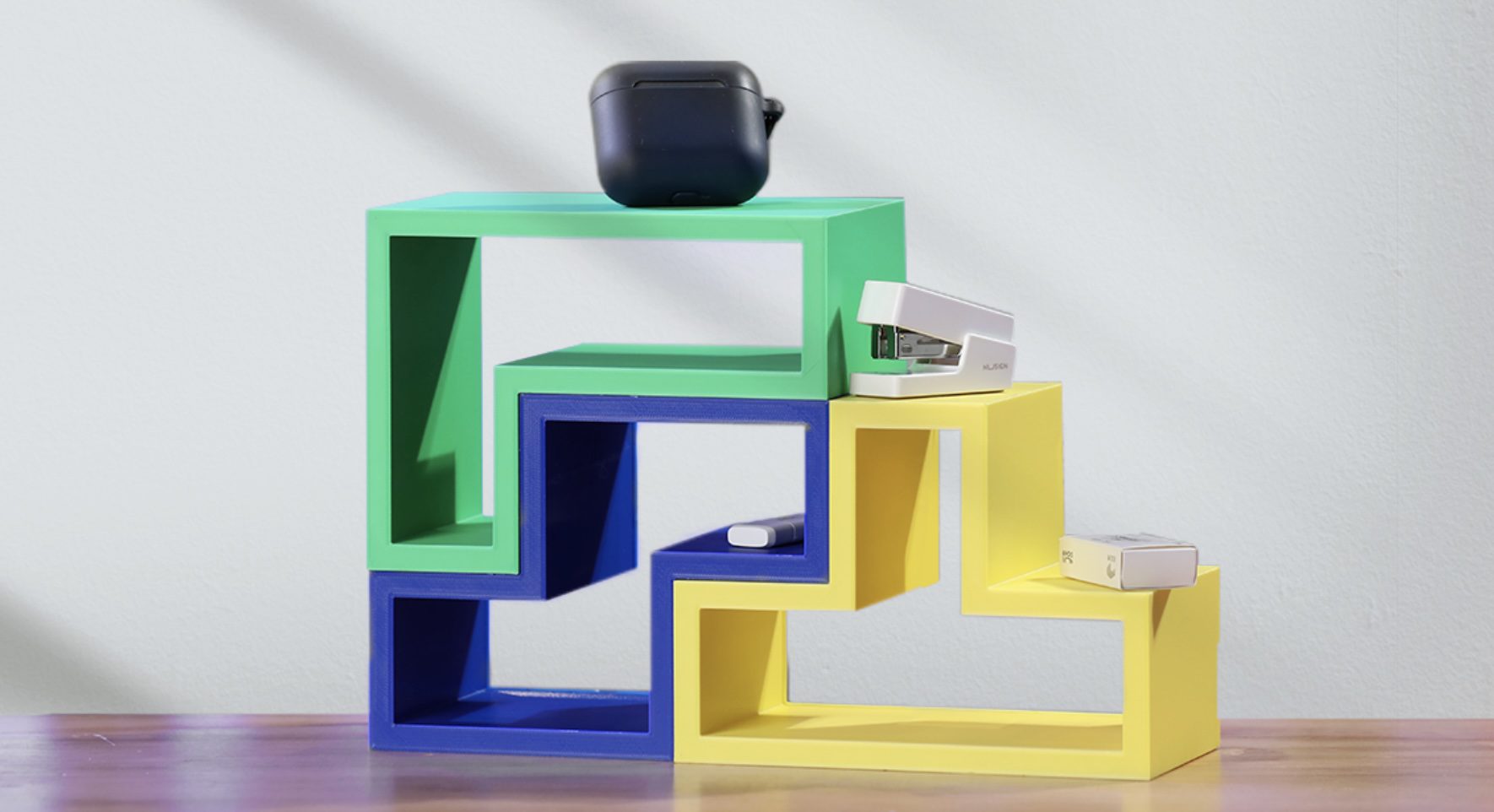
Unlock creativity and have fun
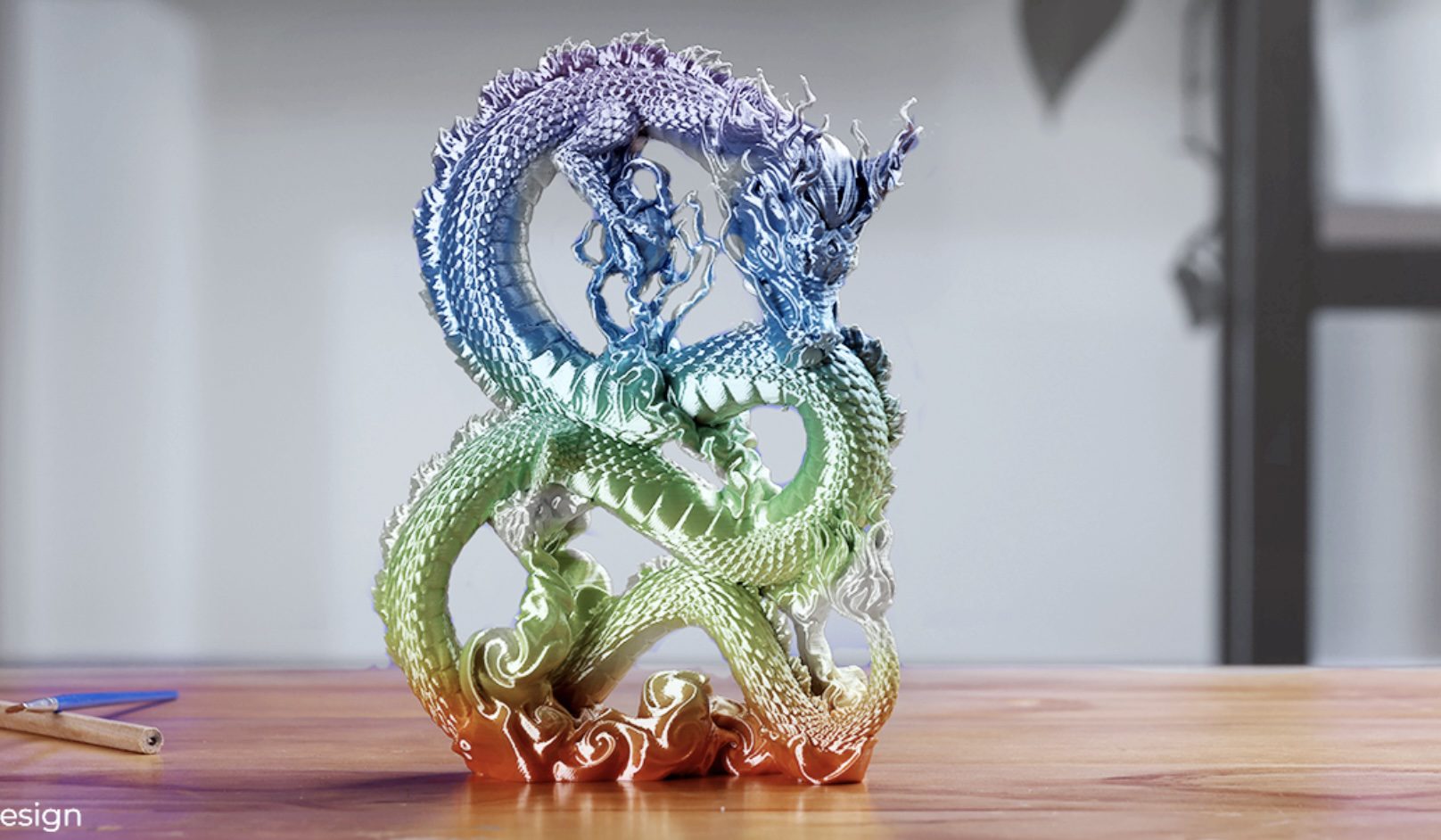
@Kijaidesign
Design
Sleek and compact design
The Ender-3 V3 SE is compact and elegant. It combines neat X, Y and Z axes, smooth T-shaped profiles and low-key tensioners for a tidy look on any desk or workstation.
19.4%*build volume to size ratio
*Data from Creality Lab.
Software & community
Simple slicing, endless models to print
Everything you need to go from idea to finished print, without hunting for third-party tools.

Slicing
Slicing With Creality Print
A simple workflow and rich slicing presets make preparing a print quick, even for a first-time user.

Models
Free 3D Models on Creality Cloud
Well-categorized, classy models on Creality Cloud are ready to download and print with your Ender-3 V3 SE 3D printer, to inspire great ideas from day one.
Optional accessories
Kit it out as your printing grows
Copper Alloy Nozzle
Better thermal conductivity for faster, more consistent extrusion.
Hyper Filament PLA
Creality's proprietary high-speed formula, tuned for fast printing.
PEI Flexible Build Plate
A textured surface that flexes to pop finished prints free with ease.
Filament Runout Sensor
Auto-pauses the print the moment filament runs out, so nothing is wasted.
Full specifications
Specifications
- Printing Technology
- Fused deposition modeling
- Build Volume
- 220 × 220 × 250mm
- Product Dimensions
- 420 × 366 × 490mm
- Package Dimensions
- 575 × 390 × 235mm
- Net Weight
- 7.34kg
- Gross Weight
- 9.18kg
- Typical Printing Speed
- 180mm/s
- Max. Printing Speed
- 250mm/s (test with CR-PLA)
- Acceleration
- 2500mm/s²
- Printing Accuracy
- ±0.1mm
- Layer Height
- 0.1–0.35mm
- Extruder Type
- "Sprite" Direct Extruder
- Leveling Mode
- Auto Leveling
- Build Surface
- PC Spring Steel
- Nozzle Temperature
- ≤260°C
- Heatbed Temperature
- ≤100°C
- Mainboard Type
- 32-bit Silent Mainboard
- Display Screen
- 3.2" Color Knob Screen
- Power Loss Recovery
- Yes
- Nozzle Diameter
- 0.4mm
- Extruder Count
- 1
- Rated Voltage
- 100–120V~, 200–240V~, 50/60Hz
- Rated Power
- 350W
- File Transfer
- SD Card
- Supported Filaments
- PLA, PETG, TPU (95A)
- File Formats for Slicing
- STL, OBJ, 3MF, AMF
- Slicing Software
- Creality Print, Cura 5.0+, Simplify3D
- Supported PC OS
- Windows, Mac OS, Linux