
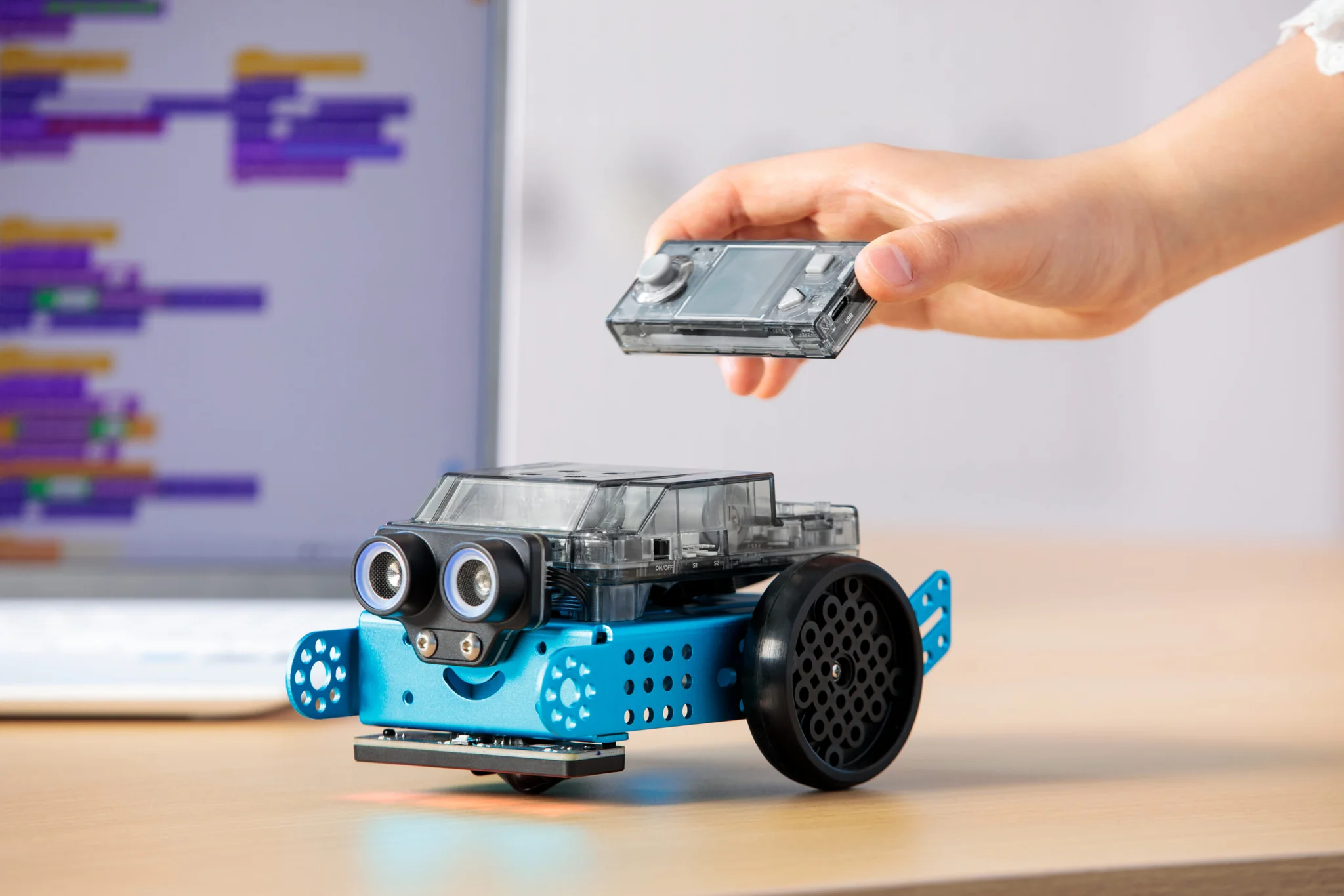
Makeblock mBot 2
The Makeblock mBot 2 is a build-it-yourself coding robot for older learners. Assemble it, code it with drag-and-drop blocks, then move on to Python, AI and IoT projects on the same robot.
✓ Ages 10 and up
✓ Blocks to Python
✓ South African stock & support
Shop mBot2
Shop the Makeblock mBot 2 range
Start with the robot kit, then add accessories and lesson material as your learners grow.

Ages 10+
mBot2 Robot Kit – Advanced Coding & AI – Ages 10+
The core robot. Build it, then code it with blocks or Python.

Add-on · mBot2 needed
mBot2 Add-On Pack – Smart World Expansion Set
Extra parts to rebuild mBot2 into new robot designs.

Add-on
Bluetooth Controller – Multi-Language Coding Tool
A wireless gamepad for driving and game-style coding projects.

Accessory
mBot2 Bluetooth Dongle – Wireless Coding Accessory
Plugs into a computer so learners can upload code without a cable.

Hands-on coding
See code come to life in the real world
With mBot 2, every line of code does something you can see: the robot drives, lights up, plays sounds and reacts to what its sensors pick up. That makes the link between coding and the real world easy to understand.
Learners test ideas, spot what went wrong and fix it themselves, which builds logical thinking and problem-solving along the way.
From blocks to Python
mBot 2: start with blocks, grow into real code
Drag-and-drop blocks mean learners don't have to type code to get started. That lowers the barrier and lets them focus on how programs work.
When they're ready, the same projects switch to Python in mBlock, so there's no need for a new robot to take the next step.
For schools and parents
Why choose the Makeblock mBot 2 for coding and robotics?
The Makeblock mBot 2 takes learners from building a robot to programming it with real code. Its CyberPi controller has a colour screen, sensors, a speaker and Wi-Fi built in, so learners can move from simple driving tasks to AI and IoT projects without changing hardware.
Built for South African classrooms
mBot 2 is sturdy, rechargeable and made for repeated classroom use. Pair it with the mBot Curriculum for ready-made lessons that support coding and robotics teaching.
A robot that grows with learners
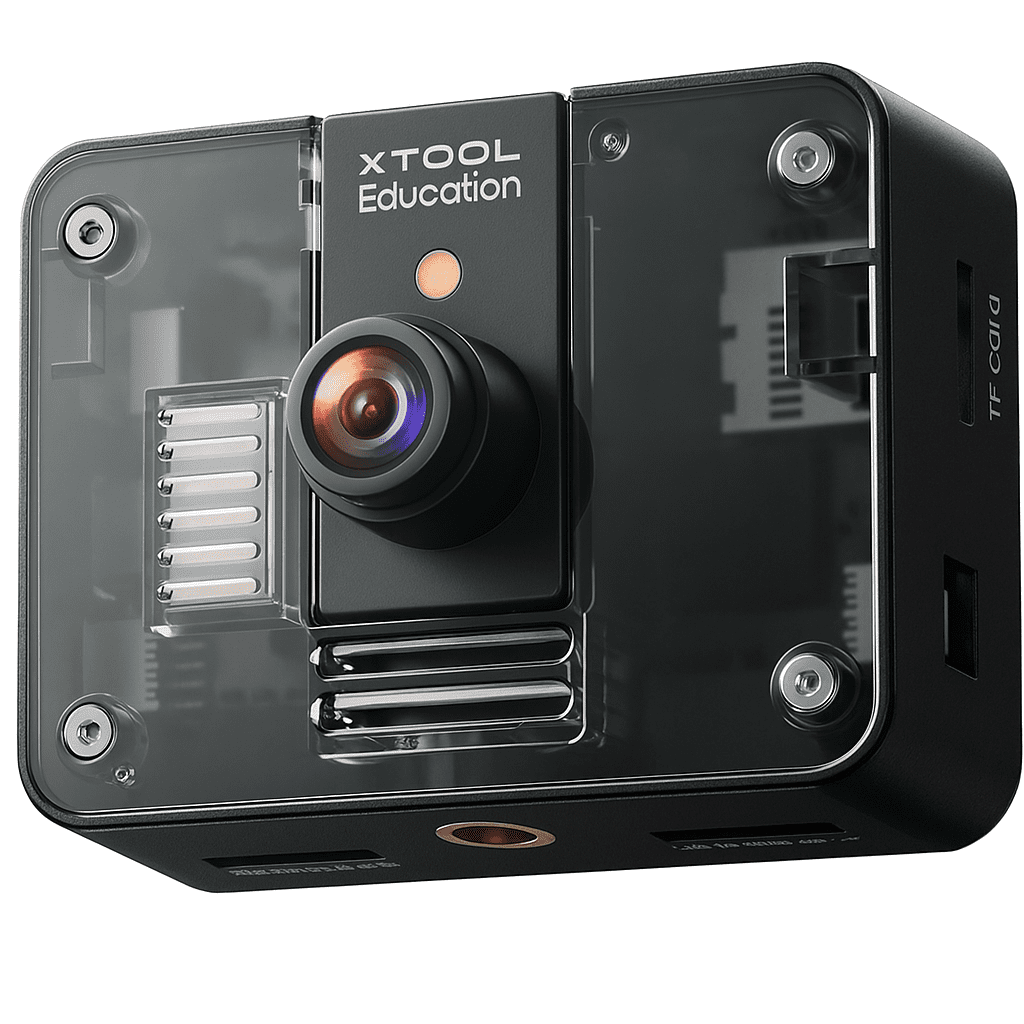
Build it, code it with blocks, then switch to Python. Add the Smart World pack, AI Camera or Bluetooth controller later, and mBot2 keeps offering new challenges year after year.
Try it, compare it, get help
Try mBlock online for free, look at our options for younger learners, or get help with a robot you already own.
Programming platforms
Three coding levels with one Makeblock mBot 2
Every level uses the same robot, so it keeps being useful as skills develop.
1
Build and drive
mBlock app · iOS & Android
Learners assemble mBot2, then drive it and complete their first coding challenges with drag-and-drop blocks on a tablet or phone.
2
Block coding with mBlock 5
Computer or tablet
Scratch-style blocks teach sequences, loops, events and conditions, using the line-follower, ultrasonic sensor and motors.
3
Python, AI and IoT
mBlock 5 · Python mode
Switch the same projects to Python, and use CyberPi's Wi-Fi and AI extensions to build smarter, connected projects.
Try mBlock online
Trusted supplier
Makeblock mBot 2 in South Africa, backed by Support Your School
Buy locally with stock on hand, and get support from a team that works with schools every day.
Talk to us about school orders
FAQ
Frequently Asked Questions
What age is the Makeblock mBot 2 suitable for?
We recommend mBot2 for ages 10 and up. Younger children can start with Codey Rocky or our screen-free mTiny robot range.
Does the mBot 2 need to be assembled?
Yes. mBot2 comes as a kit that learners build themselves, which is part of the learning. Most learners can put it together in a single lesson.
What device do I need?
mBot2 is coded with mBlock, which runs on a computer, in a web browser, or on a tablet or phone through the mBlock app.
Which coding languages does it use?
Learners start with Scratch-style block coding, then move on to Python on the same robot as their skills grow.
Can I add more to mBot2 later?
Yes. The Smart World add-on pack, AI Camera, Bluetooth controller and Bluetooth dongle all extend what learners can build and code with mBot2.
Is mBot2 suitable for classrooms?
Yes. It's durable and rechargeable, and the mBot Curriculum gives teachers ready-made lessons. We can also help with school orders and support.
Where can I buy the Makeblock mBot 2 in South Africa?
You can order the Makeblock mBot 2 directly from Support Your School. We keep local stock, deliver across South Africa and help schools with bulk orders and quotes.
How is the mBot 2 powered?
mBot2 has a built-in rechargeable battery that charges over USB, so there are no disposable batteries to replace.