

R17 248.85 incl. VAT
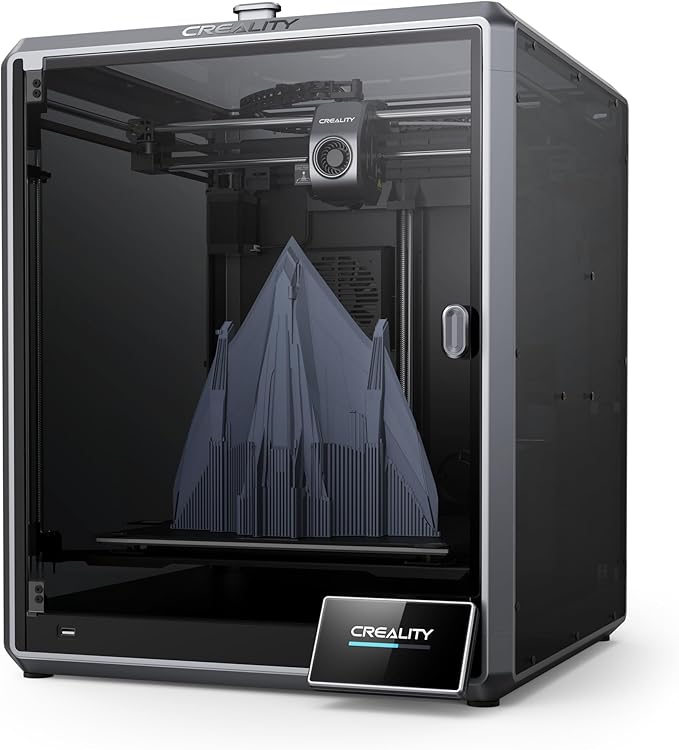
A fully enclosed CoreXY 3D printer with a 300×300×300mm build volume, AI LiDAR first-layer inspection, an observant AI camera, and printing speeds up to 600mm/s. Red Dot Award winner for industrial design.
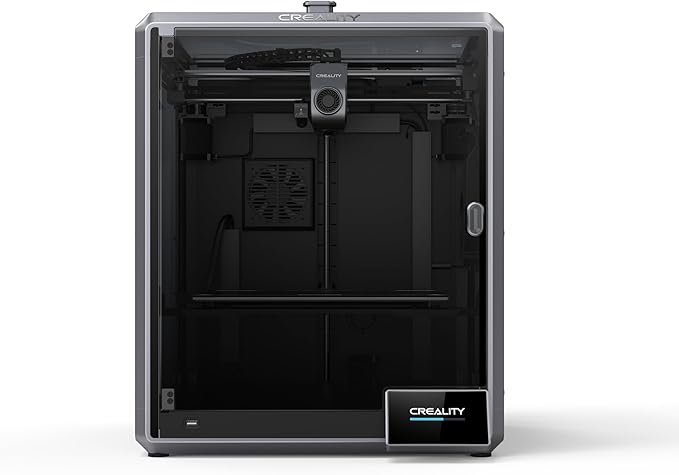
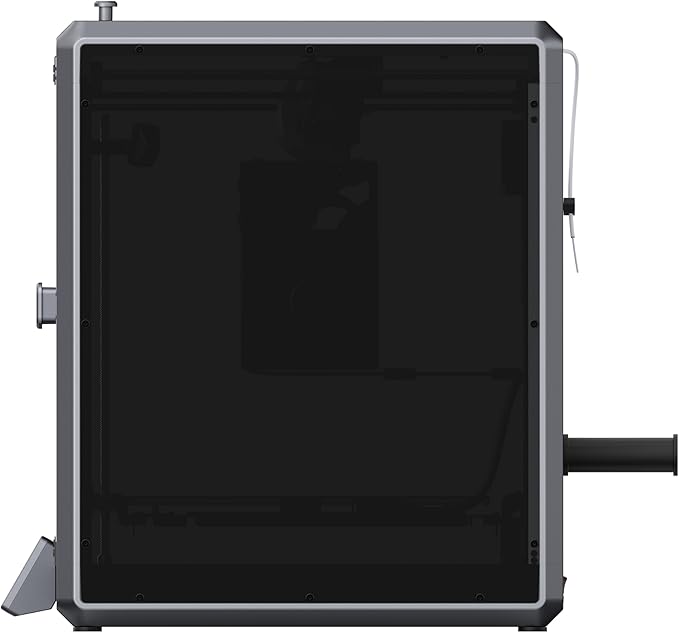
The K1 Max 3D printer from Creality is a fully enclosed CoreXY printer built for rapid prototyping at real production scale. With a 300×300×300mm build volume, AI LiDAR first-layer inspection, an observant AI camera and printing speeds up to 600mm/s, the K1 Max 3D printer brings speed and intelligence together in a surprisingly compact footprint. It’s a Red Dot Award winner for industrial design.
A new ceramic heater encircles the entire hotend, reaching 200°C in 40 seconds, with a titanium alloy heatbreak and hardened steel nozzle rated to 300°C. A dual-gear direct drive extruder delivers strong, consistent extrusion force, while a 190g lightweight printhead keeps motion inertia low even at high acceleration. Dual-fan cooling — a large printhead fan with air ducts plus an 18W chamber auxiliary fan — hardens each layer before stringing or warping can set in, so bridges and overhangs come out clean without extra supports.
The K1 Max 3D printer runs on Creality OS with a dual-core 1.2GHz CPU and 8GB ROM, storing up to 400 model files with quick reading and writing. Connect via WiFi or RJ45 Ethernet to monitor and control printing from a PC or phone with Creality Print software or Creality Cloud. When you’re running several units side by side, they can be clustered or grouped for volume production, making the K1 Max a practical choice for busy makerspaces and small production runs alike.
Because it’s fully enclosed, hands-free to calibrate, and self-monitoring via its AI camera and LiDAR, the K1 Max 3D printer suits STEM classrooms and shared workshops just as well as a professional bench. Auto Z-offset, auto bed leveling and an auto input-shaping test all run from a single tap, so new users are printing within minutes rather than fighting first-layer adhesion. Pair it with the optional CFS upgrade kit for multicolor printing, or a spare nozzle kit to keep downtime to a minimum during a busy term.
For slicing, the K1 Max 3D printer works with Creality Print 4.3 or with Ultimaker Cura, so it fits into workflows that already use either tool.
| Printing Technology | Fused deposition modeling, CoreXY kinematics |
| Build Volume | 300 × 300 × 300mm |
| Max. Printing Speed | 600mm/s (typical 300mm/s) |
| Max. Acceleration | 20,000mm/s² |
| Max. Flow Rate | 32mm³/s |
| Nozzle Temperature | ≤300°C |
| Extruder | Dual-gear direct drive extruder |
| Cooling | Dual fan — printhead fan with air ducts, plus 18W chamber auxiliary fan |
| First-layer Inspection | Built-in AI LiDAR, 1μm resolution |
| AI Camera | Spaghetti detection, foreign object detection, time-lapse, remote monitoring |
| Connectivity | WiFi, RJ45 Ethernet, Creality Print, Creality Cloud |
| Slicing Software | Creality Print 4.3, Cura |
K1 Max 3D printer unit, power supply, PTFE tube, spare nozzle, tool kit, USB drive with documentation, and cabling.
Want to see the full range before you decide? Browse our complete 3D printer shop for other Creality models and accessories.
Every K1 Max 3D printer sold through Support Your School comes with local support and guidance on setup, first prints and troubleshooting, so you’re not left working through firmware or slicer questions alone. If you’re kitting out a classroom or a small production line, get in touch before you order — we can talk through quantities, training and which accessories are worth adding from day one.


COMING SOON
We’re putting the finishing touches on our brand-new practical
1-hour workshops for South African teachers.
Leave your details below to receive exclusive launch updates and early access.
R99 per teacher per workshop. Adjust the numbers below and see what your school training could cost.